
Synology DiskStation Manager
Your Business Data.Organized, Protected, and Within Reach.
Your files keep your business moving.
Proposals, financial records, client documents, project artwork, and everyday communications all need a dependable place to live.
The goal is straightforward: make your information easier to work with and easier to recover.
What Is Synology DiskStation?
A Central Place for the Information Your Business Depends On
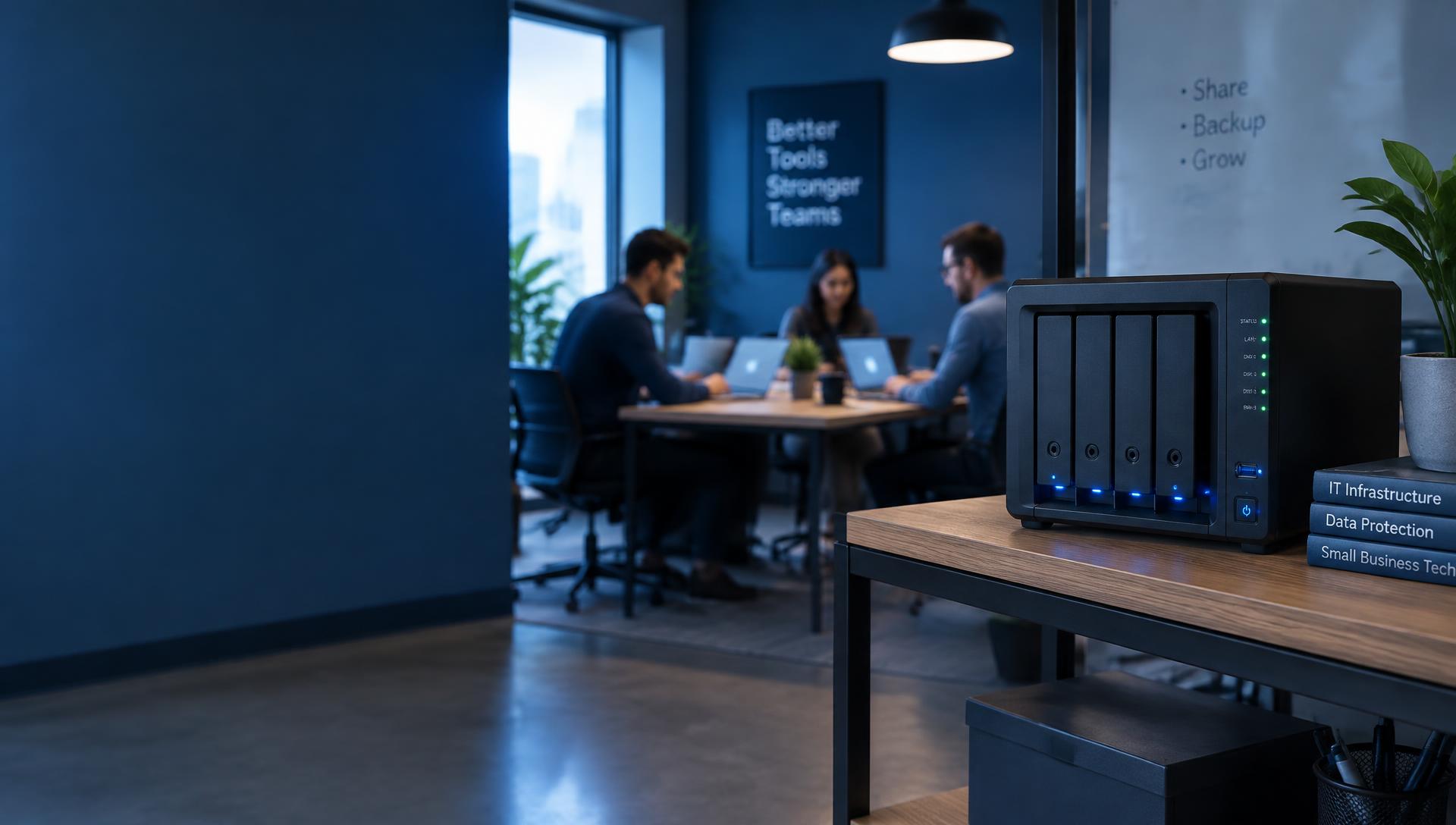
Synology DiskStation is a network-attached storage solution, commonly called a NAS. Instead of connecting a storage drive to just one computer, you connect the system to your network so authorized users and devices can work with shared information.
DiskStation is the hardware. DSM is the operating system that lets you administer storage and run supported applications through a browser-based interface. Synology's application ecosystem covers everything from file management and productivity to backup, surveillance, and virtualization.
For your business, that means storage can become part of a more organized way of working.
Bring Your Files Together
Spend Less Time Looking and More Time Working
When documents are spread across desktops, portable drives, and personal accounts, simple tasks become frustrating. Finding the latest proposal or confirming who has access to a client folder should not slow down your day.
A centralized file structure gives your team a consistent place to work. Organize information by department, customer, project, or location, and establish a clear process for storing and sharing it.
Synology supports access from Windows, macOS, Linux, and mobile devices. File Station provides browser-based file management, while Synology Drive adds synchronization and sharing capabilities. Permissions and sharing options help you control access, including password protection and expiration settings for supported shared links.
Make everyday file management easier:
- Establish shared folders for teams and projects.
- Reduce reliance on scattered storage devices.
- Give staff access appropriate to their responsibilities.
- Create a more consistent handoff between employees.
- Simplify how approved files reach customers and service providers.
Build a Private Cloud Around Your Workflow
Keep Your Team Connected Across Locations
Your team may work in the office, from home, or across multiple locations. They still need a practical way to reach the information required for their jobs.
Synology Drive supports file access and synchronization across computers and mobile devices. For organizations with multiple Synology systems, Drive ShareSync can synchronize folders between locations. Cloud Sync also connects supported public cloud services with your NAS.
A private cloud approach gives your organization greater control over where its primary files are stored and how access is administered.
The right setup starts with understanding your workflow: who needs access, which files they use, and how those files should move between devices and locations.
Make Backup Part of Everyday Operations
Plan for Recovery Before You Need It
A deleted folder, failed computer, or damaged device can interrupt more than one person's day. A useful backup strategy considers what needs protection and how the business will recover.
Synology offers several tools for different backup needs:
Active Backup for Business
Protect supported computers, servers, and virtual machines.
Active Backup for Microsoft 365
Back up supported data from services including Exchange Online, OneDrive for Business, SharePoint Online, and Teams.
Active Backup for Google Workspace
Back up supported Google Workspace data.
Hyper Backup
Back up NAS data to destinations such as another NAS, an external device, or supported cloud storage.
Snapshot Replication
Provide point-in-time protection and replication for supported shared folders and storage workloads.
Application availability and recovery options depend on the selected system and configuration.
A complete plan should also establish backup schedules, retention periods, off-site copies, and routine restoration checks.
Add Practical Layers of Security
Give People the Access They Need
Shared storage needs clear access rules. An employee handling marketing materials may need a different level of access than someone responsible for payroll or financial records.
DSM includes security capabilities such as user and application permissions, firewall rules, automatic blocking of repeated failed login attempts, and account protection. Secure SignIn supports multifactor authentication and supported passwordless sign-in methods. Security Advisor helps identify configuration concerns and recommends changes.
These tools support a more deliberate approach to protecting information:
- Assign individual accounts and appropriate permissions.
- Review access when responsibilities change.
- Strengthen administrator authentication.
- Maintain system and application updates.
- Monitor alerts and investigate unusual activity.
Security remains an ongoing responsibility. The strongest deployment combines appropriate configuration with regular attention.
Help Your Team Work Together
Keep Conversations and Documents Connected
Collaboration works better when people can find the right information and understand what has changed.
Synology Office supports collaborative documents, spreadsheets, and presentations, including real-time editing and commenting. The broader productivity ecosystem includes tools such as Chat, Calendar, Contacts, and MailPlus for organizations that want to manage additional services on their own infrastructure. Supported user counts and application requirements vary by system.
Start with the tools that solve a real problem for your team. A shared project workspace may be the priority today; additional applications can be evaluated as your operational needs develop.
Bring Video Surveillance Into the Picture
Manage Recordings Alongside Your Security Plan
For businesses that need video monitoring, compatible Synology systems can run Surveillance Station.
The platform supports live viewing, recording, alerts, mobile access, and centralized management. It also works with a broad range of supported IP cameras and other devices. Camera compatibility, recording capacity, analytics, and licensing should be reviewed before selecting a system.
An effective surveillance design starts with practical questions:
- Which areas need coverage?
- How long should recordings be retained?
- Who should be able to view or export footage?
- How will recordings be protected if the equipment is damaged or stolen?
Choose a System That Fits Your Business
Start With Your Workload
The right DiskStation depends on how you intend to use it. A small office sharing documents has different requirements from a creative team working with large media files or an organization backing up multiple servers.
Before choosing hardware, consider:
Storage needs
Current data volume, file sizes, and expected growth.
Team size
How many people will connect and work simultaneously.
Applications
File sharing, backup, surveillance, collaboration, or other workloads.
Performance
Network speed and the demands of everyday tasks.
Recovery requirements
How much data loss and downtime the business can tolerate.
Ongoing costs
Drives, backup destinations, licensing, subscriptions, and support.
Planning these requirements together helps avoid a system that runs out of capacity too quickly or struggles under its intended workload.
Assess
Review existing storage, workflows, and recovery needs.
The result should be a system your staff can use confidently and your business can manage consistently.
Give Your Business Data a Clearer Home
Your storage should support the way your business works today while leaving room for tomorrow.
Whether you need organized file sharing, a stronger backup plan, or a foundation for additional business applications, Synology DiskStation offers a flexible place to start.
Let's review your workflow and identify a configuration that fits your team, your data, and your recovery priorities.
Features, application availability, performance, expansion options, and licensing vary by model and configuration. Synology, DiskStation, DiskStation Manager, and associated product names are trademarks or registered trademarks of Synology Inc. Other trademarks belong to their respective owners.